


Search
Translate Messages in Microsoft Teams
Dec 2, 2025
1 min read
Did you know you can translate messages from within Microsoft Teams Chats and Channels?
Below, we have received a message in French, and like Girls Aloud, we don't speak French, so we need to translate it.
Step 1 - In the top right of the message box, an interactive menu appears. You can click the 3 dots for 'More options'.

Step 2 - Click the 'Translate' option.

Step 3 - The message will now be translated into your set language.
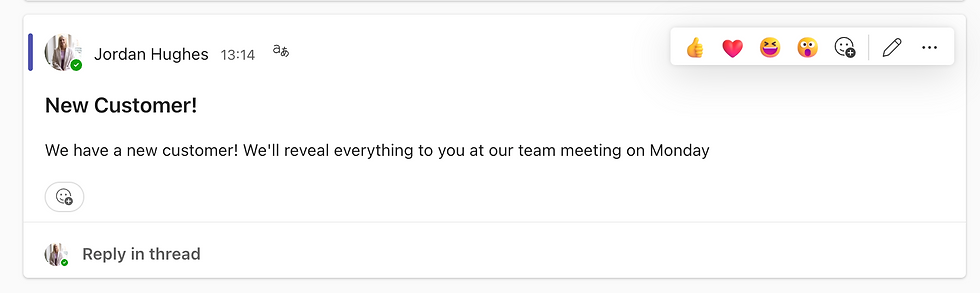
Step 4 - If you would like to see the original message, go back to the menu and select 'See original message'.

To learn more about Microsoft Teams, book one of CloudShed's Live Training Sessions.


